

15 Things to Keep in Mind for a Web Design Project
This article is for you if you’re a marketer at a company or organization, in charge of a web design project (we’ll explain what that means in a moment) or a budding entrepreneur looking to understand how to improve the user experience on your startup’s website.
What is web design?
Web design—refers to the design of websites that are displayed on the Internet. It typically focuses on aspects of the user experience in website development, rather than on software development. Web design focuses on designing websites for desktop browsers; however, since the mid-2010s, design for mobile browsers and tablets has become increasingly important. (Interaction Design Foundation)
Today, two relatively new disciplines—UX design (user experience design) and UI design (user interface design)—define web design much more clearly. The first refers to how the user’s experience is structured when they visit a website, and the second refers to the website’s visual design.
Now that we’ve defined, very, very briefly, what web design is, let’s move on to the 15 points you should keep in mind when starting a web design project.
1. Why are you doing this?
This is the most important question—you’ll need to answer it. Why do you need a website, or why do you need a new website (if there’s already a site you’ll be replacing)? The answer to this question must be tied to two elements: the goals you’re pursuing (marketing, communication, etc.) and, most importantly, your commitment to helping your target audience solve a problem. If you can’t answer this question very clearly, don’t start a web design project—either you don’t need it, or you’re not ready to handle it.
2. It’s not about you; it’s about them—the people who visit the website.
You’ll build the website for the audience you serve. You’re not building it to show how amazing your team is, how much you’ve accomplished, or how many products, services, and promotions you offer. No! You’re building an experience to make your visitor’s life a little better. You understand them, respect their time, and strive wholeheartedly to solve a problem for them through the services and products your company or organization offers. It’s not about you—it’s about them. Keep that in mind, and you’ll have a solid foundation for this web design project.
3. UX Design and UI Design
Try to understand the terms “UX design” and “UI design”; try to learn more about what these disciplines entail, the processes they involve, and how they contribute to the development of a valuable web design project. These disciplines have evolved tremendously in recent years; they involve a suite of methods and steps and, by definition, focus on the user, their needs, and understanding them. Without understanding these disciplines, even at a basic level, you won’t be able to begin a web design process. The risks include starting with an unprofessional team, skipping steps, setting the wrong goals, failing to conduct research, and building something irrelevant to stakeholders (the audience), something that won’t help you achieve your goals—assuming, in the best-case scenario, that you’ve even defined them.
4. Understanding the audience—the most important step
The web design process involves many steps, which we’ll discuss in a new article. The most important of these is understanding your audience. In order to create a useful experience for them, to truly offer them a solution, and to respect their time constraints, you’ll need to understand them. If you fail to understand your audience, you’ll end up building something irrelevant and difficult to use. Here’s an extreme example: creating a website based on the needs of a baby for a company that sells diapers. In this case, it’s obvious that the website will need to be designed for the babies’ mothers. Fortunately—or unfortunately—this process is the first step in a web design project. Unfortunately, if you ignore it, you’ll be building on the wrong foundation, and all your subsequent efforts will be in vain. Fortunately, it’s the first step; if you do it right, you’ll have a solid foundation for your project. Define personas—there’s a wealth of information online about how to define personas and their role.
5. Don’t think in the abstract!
It’s very helpful to look around and stay grounded in reality. This applies to life as well. Yes, it doesn’t apply to artists, but your goal is to build something that serves a fairly well-defined audience. It will be helpful to understand the approach that other companies and organizations take in serving your target audience. The way the market has evolved—and, by extension, the online presence of major companies—has shaped certain user behaviors. A radical change in this regard might be risky; it might not fully serve the visitor, who may not be fully familiar with your approach. For example, the minimalist design with a sandwich-style menu (the menu is hidden and can be accessed by clicking on three parallel lines displayed in the right or left corner) is quite difficult for the Romanian real estate market audience in 2021 to understand. Such an approach will result in a suboptimal user experience. This process is addressed during the audience understanding and testing (UX) phase.
6. UI Design – The Visual Aspect Creates the First Impression
First impressions matter, especially today. You’ll make that impression through UI design (user interface design). Here are a few basic rules: don’t use stock designs, purchased templates, or purchased graphic elements—that way, you won’t risk your website looking like everyone else’s. Don’t use photos from free stock sites; you risk the photo you use appearing on dozens of other websites or even in street advertisements. Don’t overcomplicate things. Don’t copy! You might find websites you like—some you’re really drawn to—but don’t copy them; your site needs to have unique elements. UI design doesn’t have to be created from scratch; it should be based on a style guide, drawing on elements from it to highlight your visual identity. It must be clear to a user from the very first second that they’ve landed on your brand’s website. This will be aided by the logo, the color scheme, the fonts, and other specific elements.
7. Test it
You can’t get things perfect; you’ll have to build them and test them. Any UX project involves testing. It’s a very effective way to fix things that weren’t designed well before the official, public launch. Testing should begin as early as the prototyping stages—when major changes can still be made with minimal effort. To put it more clearly, it’s important to validate a direction before you start the complex coding phase of a project. Once the UI and coding are complete, it will be very, very difficult to make changes to the project.
8. Testing Before Coding
Let’s revisit the idea mentioned above and emphasize that you’ll need to test before finalizing the UI and starting to code. You can test using a variety of methods; the UX team will certainly know which methods will work best for your specific situation.
9. Less is more
The tendency is to include all content, to cater to “everyone” through the website, to ignore personas, and to sacrifice any form of focus. Pressure will come from all sides. It will be important to have the courage to clearly identify who you’re serving and to simplify your content, workflows, and all forms of interaction as much as possible. The simpler everything you build is, the better it will be for the website visitor. People today no longer read websites—they scan them. That’s what all the studies show. The simpler it is, the greater the perceived value for site visitors.
10. Try to tell a story
There are already so many things to keep in mind, but if you manage to tell a story, you’ll win over your website visitors more easily. Nothing is more compelling in today’s digital world than an authentic story—a journey you take the visitor on to truly help them solve a problem. Telling a story won’t be easy; you’ll need a solid foundation, the elements of brand strategy (because it’s your brand’s story), and plenty of courage and creativity.
11. How to Validate UX and UI Teams
Try to understand what methods they use and how they can help you achieve your goals. Examine the care they put into their research and their focus on serving the client. These things will make all the difference. Try to get examples of completed projects that showcase not only the result but also the process.
12. What happens after the launch?
Collaboration with the web design team (UX and UI) will not end after the project’s launch. Another phase of analysis and fine-tuning (optimization) will follow. At this point, it will be possible to conduct an in-depth analysis of visitor-website interaction. It’s important that these actions be carried out over a longer period of time—at least 3 months—using specific tools (here are a few examples: HotJar, Google Analytics). During this stage, the data collected will be interpreted, and measures will be taken to improve user interaction. These may involve changes to both the interface and user flows and, of course, may also require coding, with the development team re-engaging on specific areas for improvement.
13. Are you redesigning a website? — Pay close attention to SEO.
An established website means pages that are indexed by search engines—pages that appear among the top search results for keywords specific to your field. If you don’t have a plan for these pages as well, much of the SEO work you’ve done previously will be lost within a few weeks or months.
14. How do you know if the web design process was a success?
There are many KPIs you can use as benchmarks—visits, average search rankings, time spent on the site, and direct feedback from visitors. Make sure to set your goals correctly so they’re measurable, and monitor them after launch. In short, a web design process is successful if it better serves the visitor. It’s also worth noting that users are highly resistant to change. That’s why, during the research (UX) phase, you’ll need to gauge this resistance to change. In the case of a redesign—if you’re reinventing the wheel, if you’re overhauling the site from the ground up—even if the experience will be better, you’ll frustrate visitors who used to visit the site frequently in the past. A good example here is Amazon—which, although it’s the largest online retailer in the world, hasn’t undergone radical changes over time; instead, it’s engaged in a slow process of improvement.
15. Technological Trends
It’s a good idea to understand them and use the ones that help visitors. For example, mobile responsiveness wasn’t common for websites 10 years ago, but now it’s essential. Depending on your field, there are a huge number of tools, features, options, and innovative elements that you can incorporate into your site. Aim for balance—build something very simple that, through innovation, provides a great experience for your visitors.

I told stories about
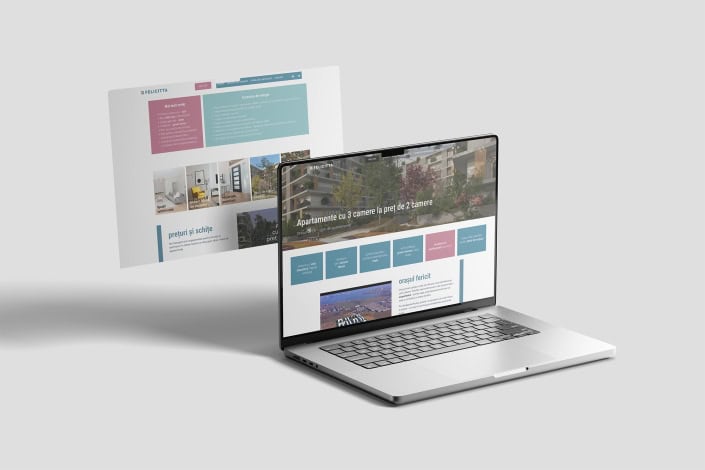
Felicitta — visual identity, strategy, and website for a place designed with people in mind
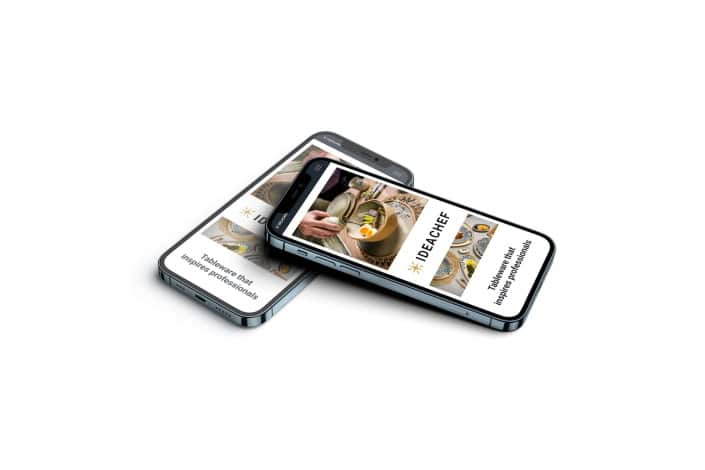
IdeaChef — Visual identity for a brand that sparks inspiration in premium gastronomy
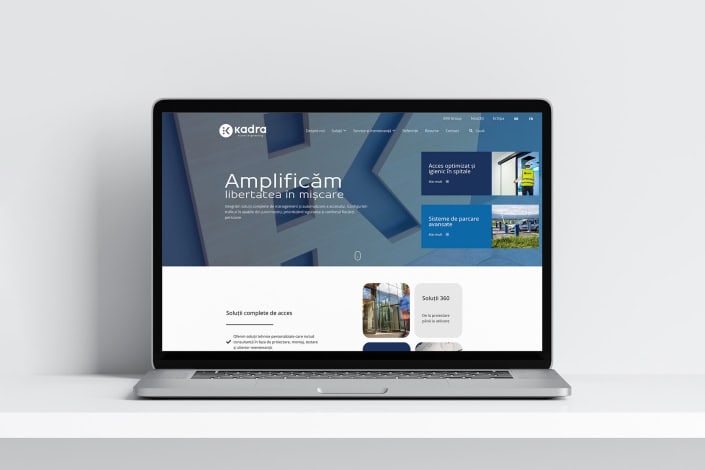
The KADRA website, probably the most complex and extensive website we have created so far
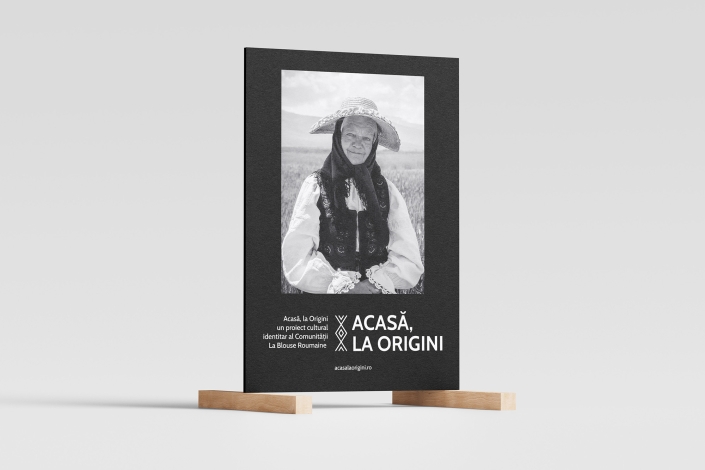
Home, at the Origins – an identity-driven cultural project by the La Blouse Roumaine Community
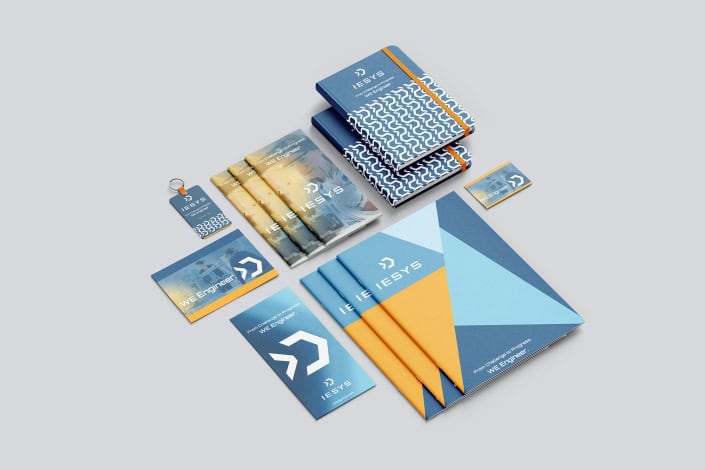
How to Prepare for a Leap — About IESYS — Rebranding of an Engineering Company
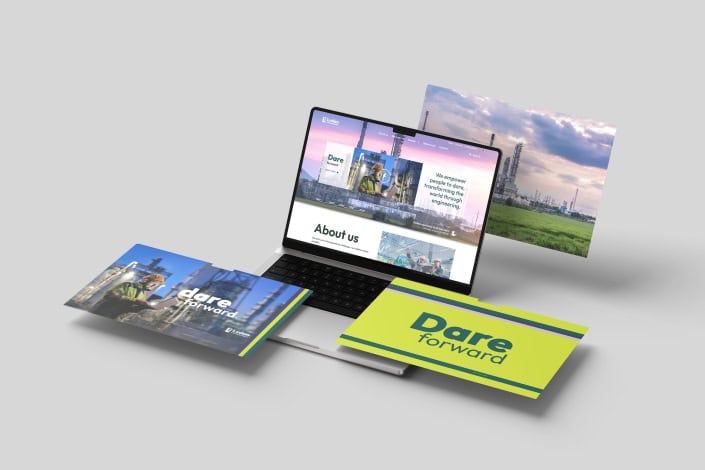
Ludan ENGINEERING – Branding and Website for an Engineering Company

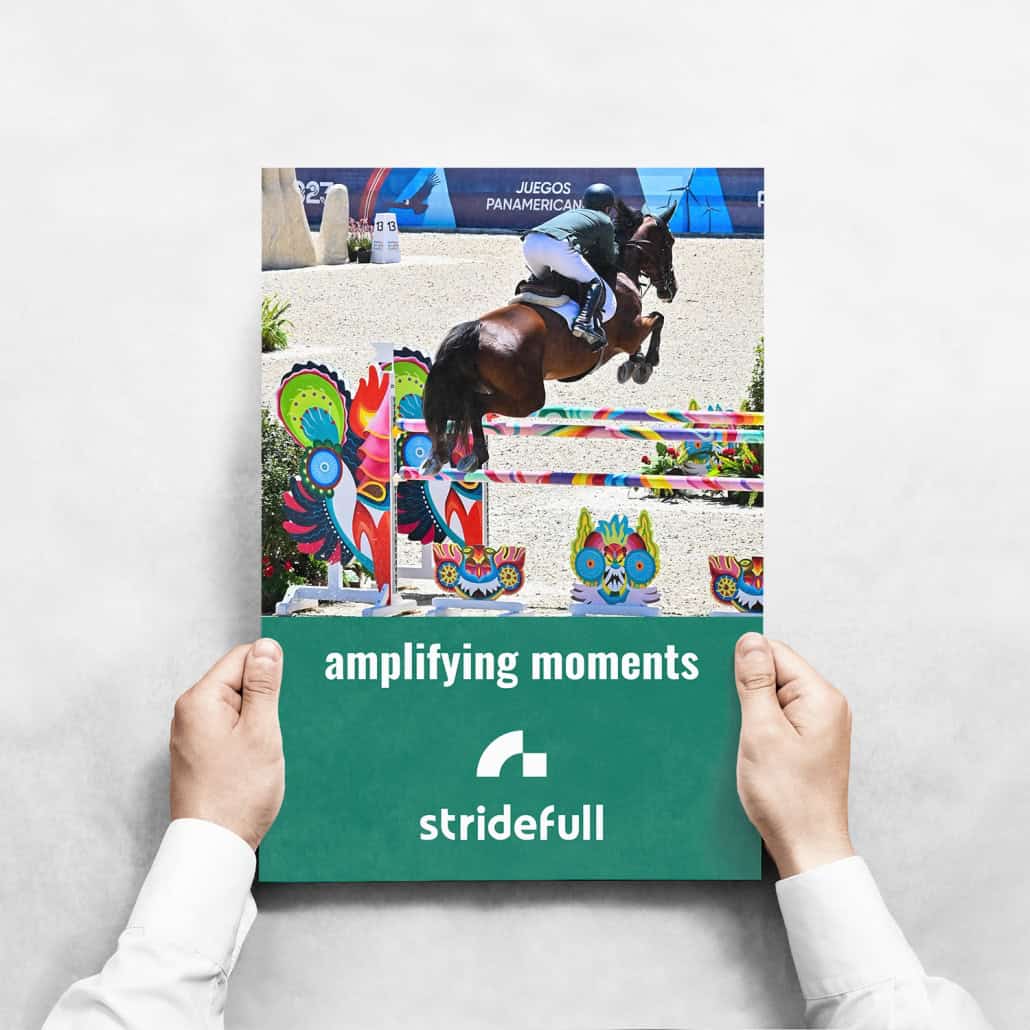
Stridefull – a Romanian company on the level of the Olympic Games – a global brand
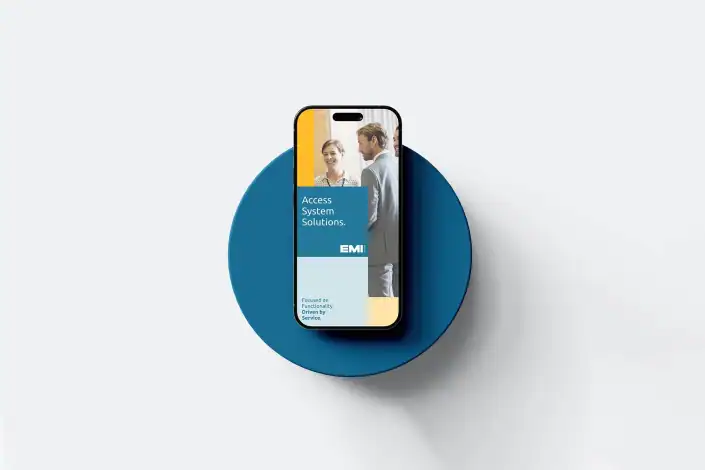
EMI Group – Visual identity and website for a company aiming for revenue of over 100 million euros in 2025

Gastroglam — the project that supports the dreams of those who create experiences at the table

ISPCF’s Transformation: A New Identity After 75 Years of Projects—Brand Strategy, Visual Identity, Website

Caritas Iasi Diocesan Center Association – a website design project



Leave a Reply
Want to join the discussion?Feel free to contribute!